The AI UGC (User Generated Content) space is broken. Every brand and their mother is flooding social feeds with the same stiff, uncanny-valley AI avatars reading generic scripts.
If you want to actually stop the scroll and convert, you need to go beyond the default settings. We’re seeing a massive shift where smart advertisers are building custom AI influencers that they own completely.
This isn’t about generating a random face. It’s about building a repeatable asset that you control 24/7. Here are the three specific methods to execute this using the platform Arcads.
Method 1: The “Custom Influencer” build
Most users just pick a stock avatar from the Arcads library. That’s a rookie mistake. Your ad will look exactly like your competitor’s.
Instead, use the “Create Actor” workflow:
- Prompt for Persona: Don’t just ask for a face. Prompt for a specific demographic and vibe (e.g., “Young adult fitness coach, wrist band watch”).
- Upload & Iterate: Arcads generates unique, photorealistic faces. Pick one that fits your brand perfectly.
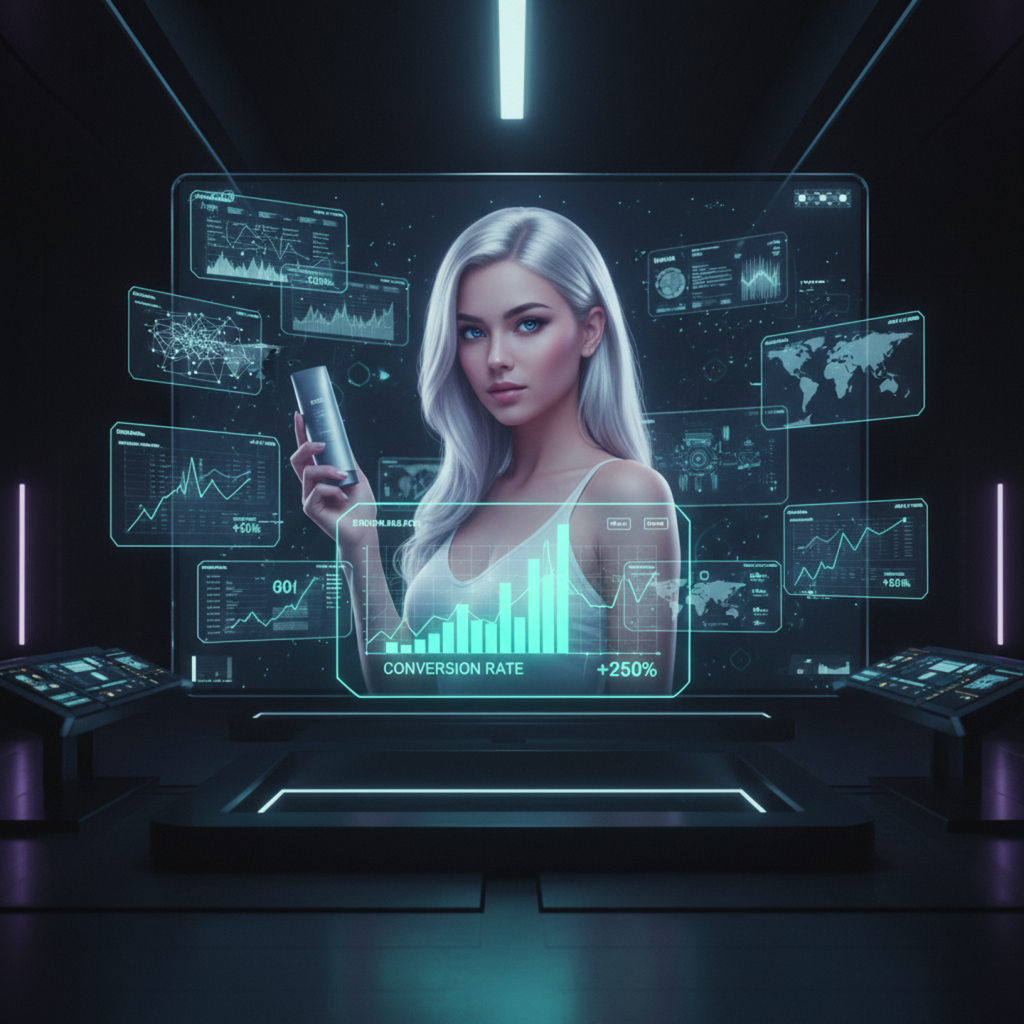
- Product Integration: This is the killer feature. You can upload a photo of your actual product (like a Dyson Airwrap) and prompt the AI to generate your custom actor holding it. No Photoshop required.
Now you have a proprietary influencer who holds your product, never asks for a raise, and works 24/7.
Method 2: The “Sora 2 Pro” Nuance
Sora 2 Pro is integrated directly into Arcads, and it changes the game for realism.
The secret here is prompting for behavior, not just appearance. When writing your script and prompt, include specific demographic slang and mannerisms.
Example Prompt: “A 23-year-old Gen Z woman, naturally beautiful, minimal makeup. She is talking directly to the camera in a casual, chatty way, almost ‘FaceTime with a friend’ tone.”
This model understands cultural nuance. It will adjust the micro-expressions, the pauses, and the tone to match that “Gen Z” vibe instantly. The result isn’t just a talking head; it’s a performance.
Method 3: The “Remix” Hack
You found a stock video in the library that has the perfect lighting or movement, but the wrong face?
Use the hidden “Remix” button (bottom left of any video).
This allows you to take the motion data from a high-quality video and swap in your custom actor’s face with zero artifacts. You get Hollywood-level lighting and camera work applied to your specific brand ambassador.
The Bottom Line:
Stop using default AI avatars. The tools to build a fully owned, custom influencer network are here. By controlling the face, the product integration, and the behavioral nuance, you turn AI UGC from a gimmick into a conversion machine.