Ten hours. That is how long the source material for this breakdown runs. Most people won’t survive the first twenty minutes. The promise? A complete roadmap to building faceless, automated YouTube channels using nothing but (mostly) free AI tools.
We stripped the filler. We ignored the hype. Here is the operational architecture for building a media empire from your bedroom.
The New Tech Stack
The landscape has shifted. While everyone else is still shouting about ChatGPT, this course leans heavily into DeepSeek for scripting and logic. It appears open-source models are closing the gap on creativity.
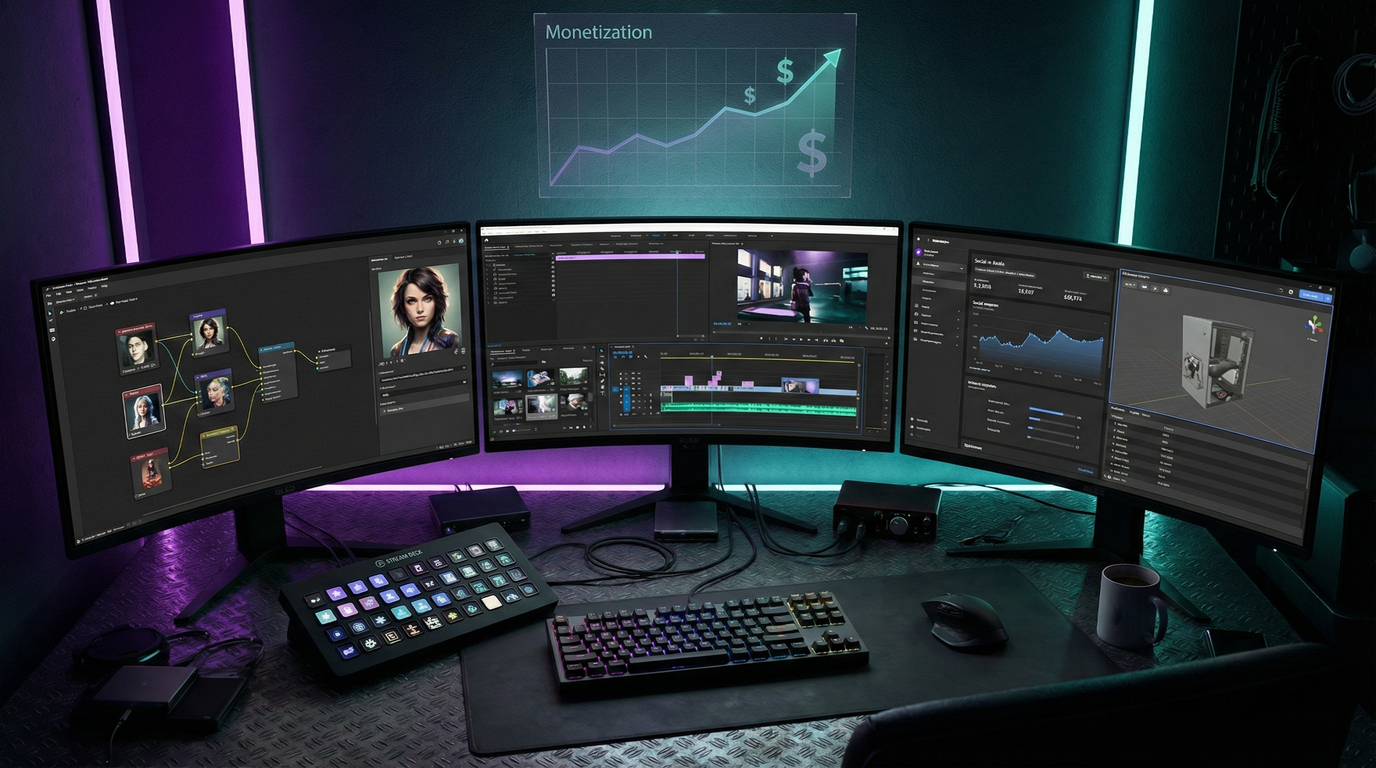
For the visual heavy lifting, the workflow has moved beyond basic Midjourney prompting. The current meta involves a specific chain:
- Scripting: DeepSeek / Claude AI (for narrative flow).
- Visuals: Leonardo AI (Flux Model) & Ideogram (for text-heavy banners).
- Animation: Minimax & Kling AI (currently offering generous free tiers).
- Audio: Suno AI (music) & Microsoft Clipchamp (unlimited free TTS).
The Niche Breakdown
The course identifies specific content verticals that are currently performing well with algorithmic push.
1. The “Pixar” Storyteller
This is the high-effort, high-reward play. The goal is to replicate the “movie recap” style but with original, AI-generated stories (e.g., a secret agent kid named Miles).
- The Strategy: Use Google ImageFX to lock in a “seed” for character consistency—a notorious pain point in AI video.
- The Execution: You aren’t just generating images; you are generating scenes. The course emphasizes using Minimax for image-to-video because it handles complex camera movements better than Runway Gen-2 right now.
2. The Stick Figure minimalist
You’ve seen these. White background, black scribbles, high-retention storytelling.
- The Hack: Don’t draw. Use Leonardo AI with a specific prompt for “hand-drawn stick figure style,” then use CapCut’s chroma key to remove the background.
- Why it works: It forces the viewer to focus on the script. If your writing is weak, the visual won’t save you.
3. The Horror/POV Factory
This niche relies on audio engineering. The visuals are dark, atmospheric, and often static or slightly animated loops.
- The Audio Secret: The course suggests GetYarn.io to find specific human soundbites (screams, whispers) to layer over AI voiceovers. It adds a layer of “organic” noise that prevents the video from sounding sterile.
4. The Infinite Music Loop
The “Lofi Girl” model, but automated.
- The Tool: Suno AI. You generate instrumental tracks (toggle “Instrumental” to avoid hallucinated lyrics), then use MusicVid.org to create reactive audio spectrums.
- The Verdict: This appears to be a volume game. You need a massive library to compete, but the production time is near zero.
The “Hook” Engineering
The course spends a significant amount of time on retention. The first 5 seconds are critical.
- The Reverse Hook: Start with the climax, then freeze frame, and play a “rewind” sound effect. It’s a cheap trick, but it resets the viewer’s attention span.
- Audio Gaps: Don’t wall-to-wall the voiceover. Leave breathing room for sound effects (SFX). The silence creates tension.
The Editing Bottleneck
This is where the automation often breaks. You can generate assets instantly, but assembly requires human hands. The course recommends CapCut for one reason: Auto-Captions.
- The Workflow: Import assets -> Extract Audio from Clipchamp video -> Align clips -> Auto-Caption -> Export.
- Quality Control: Always upscale. The course recommends TensorPix or CapCut’s internal upscaler to push 720p AI outputs to 4K. The algorithm seems to favor higher bitrate uploads.
This isn’t a “get rich quick” button. It’s a production line. If you can manage the asset files and keep the scripts engaging, the tools are finally good enough to handle the rest.