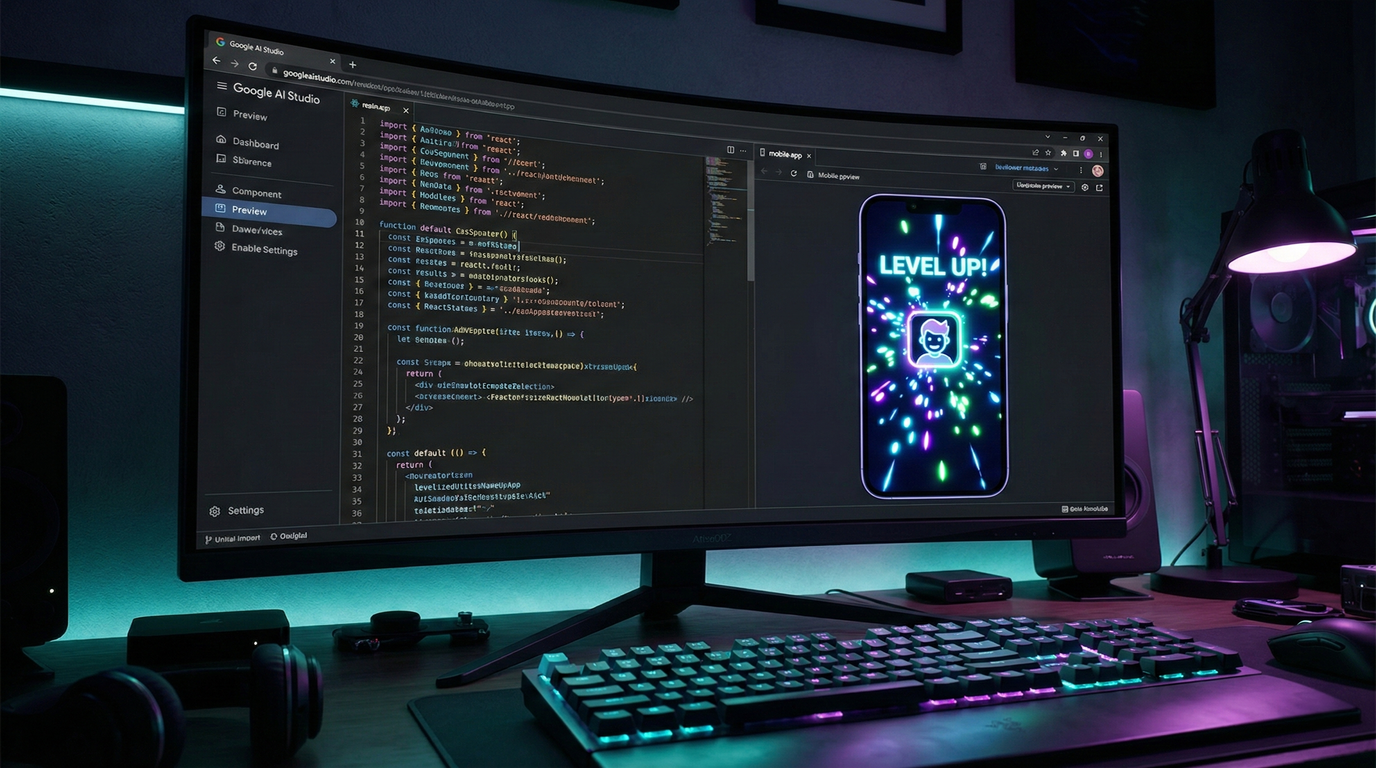
Google’s Gemini 3 Pro has entered the chat. And if you are still exclusively relying on Claude or GPT-4 for your coding workflows, you might be missing a critical shift in the “vibe coding” meta.
The promise? An AI that doesn’t just spit out code snippets but architects entire applications that look good, function well, and—crucially—are deployable directly to the cloud. We put the model to the test to build a gamified fitness app for sedentary desk workers (“MOVRR”) and mapped out a marketing strategy to sell it.
Here is the operational blueprint for going from zero to deployed product with Google’s latest heavy hitter.
1. The “Sellable” Idea Protocol
Most developers fail because they build technology looking for a problem. The smarter play is to ask the model to identify market trends first.
Instead of guessing, we prompted Gemini 3 Pro for app ideas following modern trends (gamification, micro-commitments) that are “easy to sell.”
- The Winner: A “Desk Jockey RPG.”
- The Concept: A gamified fitness tracker that interrupts your workflow with 1-minute movement challenges to “defeat the Slime Monster” (sedentary behavior).
Why this works: It targets a specific, high-income demographic (tech workers) with a painful problem (back pain) using a sticky mechanic (RPGs).
2. The “Vibe Coding” Build
We aren’t writing boilerplate. We are prompting for outcomes. The initial prompt to Gemini needs to establish the constraints and the aesthetic.
The Prompt Structure:
- Task: Build the app described above.
- UI/Style: Modern styling, intuitive, dark mode base with a light mode toggle.
Gemini 3 Pro’s preview feature is the killer app here. It thinks. It takes its time—sometimes over 60 seconds. While slower than Groq or GPT-4o, this latency seems to correlate with higher reasoning capabilities. It builds the file structure, the components, and the logic in one shot.
3. Dopamine Engineering (The Polish)
An app that works is table stakes. An app that retains users needs “juice.”
We iterated on the base build to add psychological hooks:
- Sound Effects: Added audio feedback for completing quests and leveling up.
- Visual Reward: Implemented a full-screen celebration animation when the user hits a new level.
- Friction Reduction: Lowered the XP requirement for Level 2 to ensure the user gets a quick dopamine hit immediately after onboarding.
This isn’t just coding; it’s product design. You are using the AI to fine-tune the user experience, not just fix syntax errors.
4. The One-Click Deploy
This is where the Google ecosystem flexes. You don’t need to mess with Vercel or AWS configurations if you don’t want to.
Directly from Google AI Studio, you can deploy the app to Google Cloud Run.
- Select “Deploy App.”
- Link your billing account.
- Wait for the build.
- Result: A live, shareable URL in under two minutes.
5. The “Cold Start” Marketing Strategy
You built it. Now, who cares? The code is worthless without distribution.
The strategy here is brute force but effective: Influencer Alignment.
We identified fitness influencers on Instagram (e.g., “The London Fitness Guy”) who have the exact audience that needs this app.
The Outreach Script:
- Context: “I built an app to help sedentary workers move.”
- Social Proof: “I’ve built multiple successful AI apps before.”
- The Ask: Partnership or beta testing.
Simultaneously, you “Build in Public” on X (Twitter). Share the screenshots of the level-up screen. Share the deployment win. You aren’t selling the app; you are selling the journey. People buy into the builder before they buy the product.