Most businesses are wasting time on AI that looks impressive but delivers zero utility. We’ve all seen the “toy” apps—beautiful front-ends with absolutely no backend logic. They are effectively digital paperweights.
The introduction of Gemini 3.0 and the Model Context Protocol (MCP) appears to be shifting this paradigm. We are moving from a world of clunky, unresponsive app builders (reminiscent of Microsoft Paint) to systems where you can simply type a prompt and generate a fully functional, connected application.
Here is the breakdown of the S.P.E.E.D.Y. Framework—a method to build deployable, profitable AI systems without getting bogged down in “plumbing.”
1. Signal (Find the Pain)
Before writing a single line of code, you need a problem. A profitable system solves a specific bottleneck for a user with budget.
Tools like Buzzabout allow you to aggregate discussions from Reddit, YouTube, and niche forums. You aren’t guessing; you’re looking for recurring complaints. For instance, marketing agencies often struggle with content ideation. They need to know what is trending right now, not what was trending last week. That is your signal.
2. Process (The SOP)
Once the problem is identified, map the solution. Don’t jump into the IDE yet. Use a reasoning model like Claude to draft a comprehensive prompt for the application.
You want a specific output: “A minimalistic, dark-mode dashboard that aggregates content from specific subreddits and newsletters.” The more granular your Standard Operating Procedure (SOP) here, the less hallucination you will face later.
3. Engine (The Build)
This is where the tech stack has evolved. We are using Google AI Studio combined with Google Antigravity (an AI-first IDE).
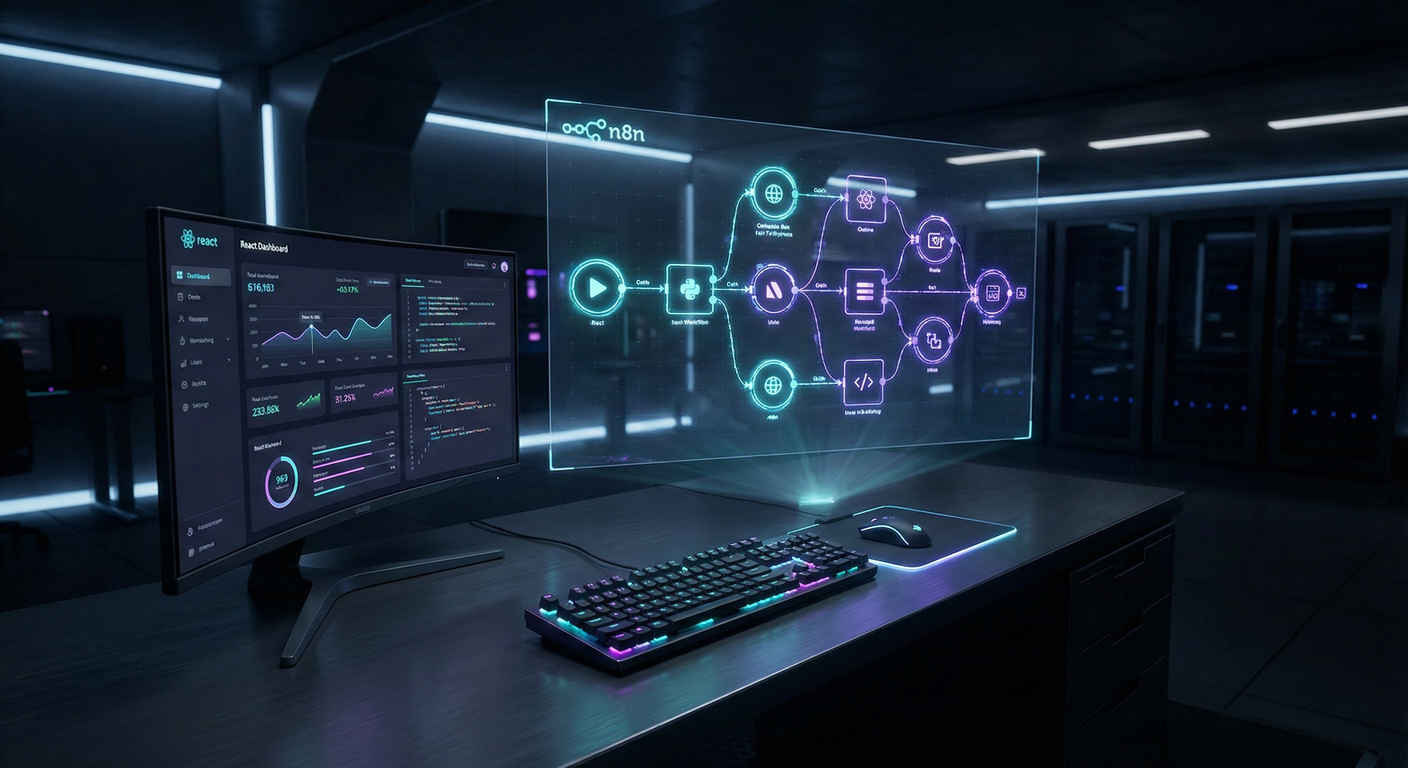
Gemini 3.0 has largely solved the UI problem. You feed it your prompt, and it generates a React-based frontend that actually looks professional. No more “Loveable” templates that all look identical. You get a bespoke interface that feels premium.
4. Enhance (The MCP Connection)
This is the critical unlock. Previously, connecting a beautiful AI frontend to a logic-heavy backend required a mess of webhooks and API keys.
With MCP (Model Context Protocol), n8n becomes a “universal remote” for your AI.
- You enable MCP access in your n8n instance.
- You provide the access token to Gemini/Antigravity.
- The AI frontend can now “call” your n8n workflows directly.
When a user clicks “Scrape Now” on your dashboard, it doesn’t just animate a button; it triggers a complex n8n workflow that scrapes the web, filters data, and returns the results to the UI. The frontend and backend are finally talking without friction.
5. Data (Persistence)
A dashboard that resets on refresh is useless. You need persistence.
Supabase acts as the memory layer. By asking your AI coding agent to generate the necessary SQL, you can spin up a Postgres database instantly. The system now saves user preferences, scraped content, and generated hooks. It transforms from a demo into a product.
6. Yield (Monetization)
A system is only profitable if it buys back time or generates revenue.
Don’t just sell “AI.” Sell the outcome. If you pitch a marketing agency, don’t show them code. Send a personalized Loom video. Show their logo on the dashboard. Show their niche content being scraped in real-time.
The technology is now accessible enough that the barrier to entry isn’t building the tool but understanding the client’s problem well enough to solve it.


1 Comment
What are MCPs?