n8n version 2.0 has landed.
At first glance, it looks deceptively similar to its predecessor. That is a strategic win. The core visual language remains, but the engine driving your AI orchestrations has undergone a significant overhaul. The focus here isn’t just a fresh coat of paint; it is security, reliability, and one massive architectural shift that solves the biggest headache in AI agent workflows: Data retention during wait states.
If you are running self-hosted AI stacks, here is the insider breakdown of what v2.0 actually changes and how to navigate the new “breaking” protocols.
The Aesthetic Shift: Functional Minimalism
The UI has matured. The bulky, 3D-style nodes of v1 have been flattened into a cleaner, embedded design. It feels less like a drag-and-drop toy and more like a developer environment.
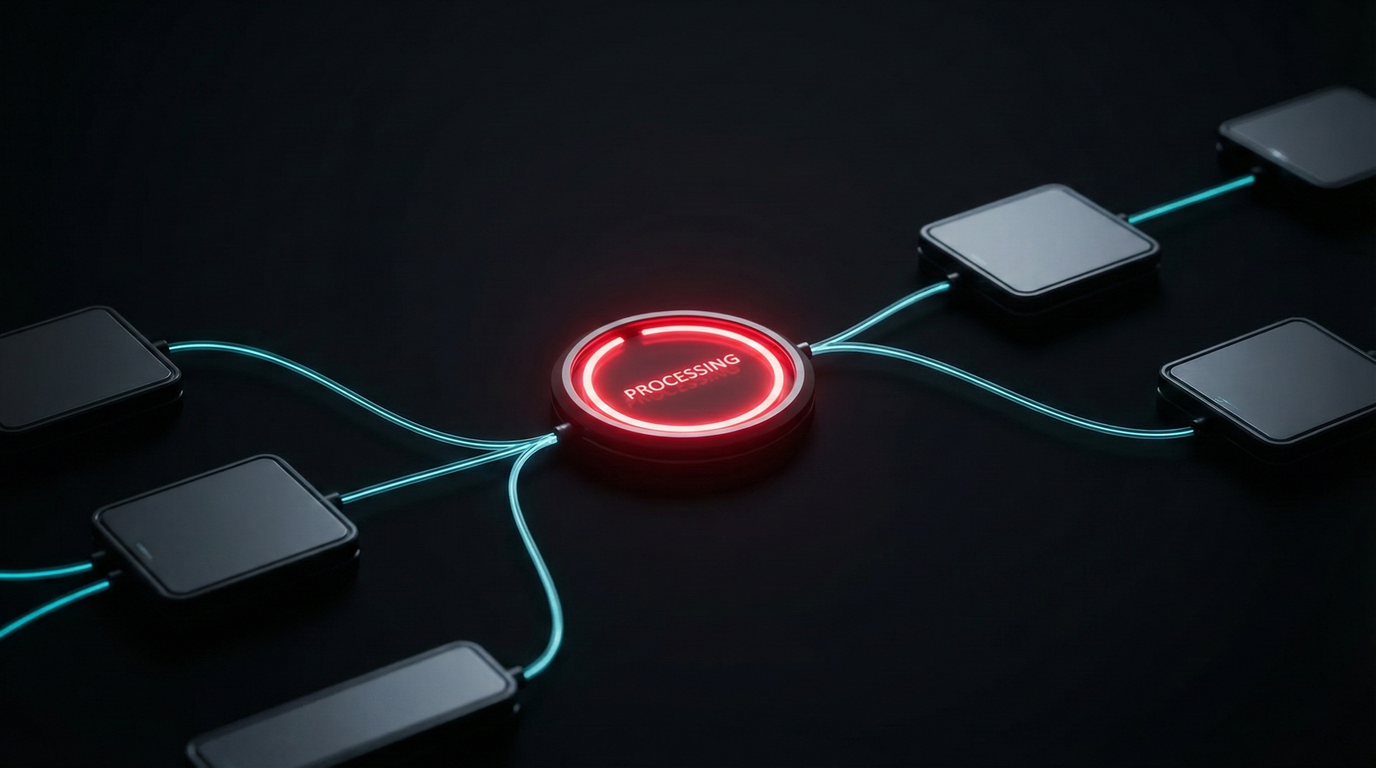
- Status Indicators: The old spinning loader is gone. Now, active nodes feature a futuristic red outline animation while “thinking,” switching to green upon success. It’s a subtle visual cue that looks ripped straight from a sci-fi interface.
- Sidebar Dynamics: The sidebar is now collapsible and expandable, giving you more canvas real estate.
- Settings Access: Configuration is no longer buried under profile menus; it’s front and center, streamlining the admin workflow.
The Critical Breaking Change: Sub-Workflows & Data
This is the most important part of the update. In v1, if you had a main AI agent call a sub-workflow (e.g., to ask a human for approval in Slack), the agent would often lose context or fail to receive the output data once the human responded. The “wait” state severed the data pipe.
v2.0 fixes this behavior, but it introduces a strict new protocol.
Now, when a sub-workflow enters a “wait” state (waiting for a webhook call or form submission), it can successfully return data back to the parent workflow once the wait is over. This effectively enables true Human-in-the-Loop (HITL) automation where the LLM waits for your input and actually remembers what you said.
The New Rule:
You can no longer trigger “Inactive” sub-workflows from a parent workflow.
- V1 Behavior: A main workflow could trigger a draft/inactive sub-workflow.
- V2 Requirement: You MUST publish the sub-workflow for it to be callable.
If your agents start failing after the upgrade, check your sub-workflow publication status first.
Workflow Productivity Upgrades
Efficiency often dies in the clicks. v2.0 introduces two quiet features that drastically reduce development time.
1. The Focus Panel
Previously, tweaking a prompt required opening a node, which obscured the canvas. Now, you can pin a “Focus Panel” to the right side of the screen. This allows you to edit complex system prompts or JSON parameters while simultaneously viewing the rest of your workflow logic. It appears to be a massive quality-of-life improvement for prompt engineering.
2. Rapid Node Switching
When deep in the configuration menu of a node, you no longer need to close it to open another. Arrows on the sides of the configuration window allow you to cycle through adjacent nodes instantly.
The “Save” Evolution
v2.0 introduces near-instantaneous saving. The “spinning disk” delay is gone. While auto-save isn’t live today, insiders suggest it is slated for a January 2026 rollout. Until then, the manual save is faster and less obtrusive.
Migration Protocol
The transition to v2.0 involves backend changes to how data is stored and how execution environments are secured. Before upgrading your production instance:
- Backup everything.
- Use the Migration Tool: n8n has included a built-in report generator in the settings menu. It scans your current workflows and flags compatibility issues (like the inactive sub-workflow rule) before you switch.
This update signals n8n’s shift from a “hacker’s tool” to a scalable, enterprise-grade orchestration platform. The guardrails are tighter, but the engine is stronger.