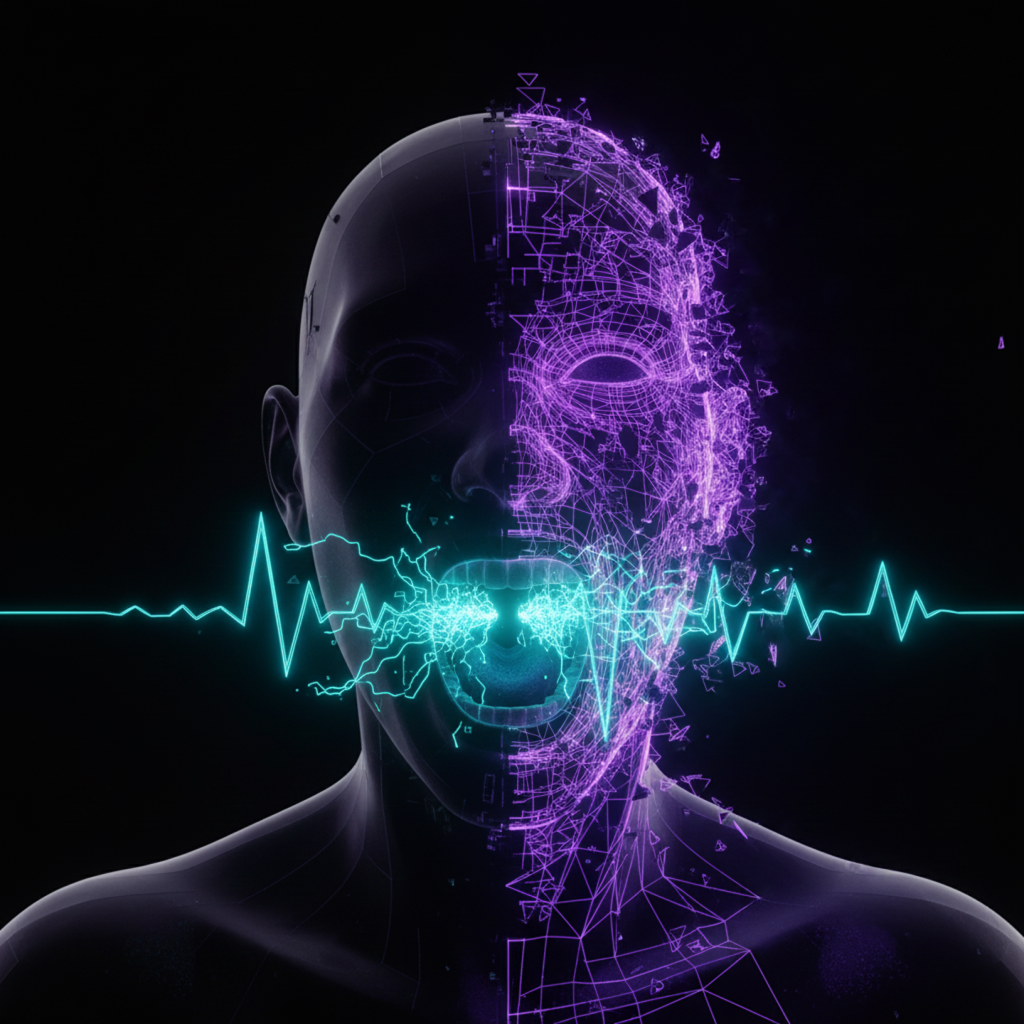
The “Uncanny Valley” has a sound. Usually, it’s silence. Or worse, a robotic voice that drifts out of sync with a moving mouth, instantly killing viewer immersion.
For months, creators have been stuck in a binary trap: settle for silent, ghostly AI video clips, or pay exorbitant subscription fees for token-based lip-syncing tools that barely work. The workflow was broken. You’d generate a video, export it, find a TTS tool, try to mash them together in Premiere, and pray the frames lined up.
That friction ends now.
We are seeing a convergence of modalities. The newest models aren’t just generating pixels; they are generating performance. Here are three tools that handle video and audio generation simultaneously, essentially for free.
1. Qwen: The Unlimited Workhorse
Qwen has quietly deployed an update that changes the math on free generation. It isn’t just a text model anymore; the “Video Generation” tab is a sleeper hit.
The killer feature here is integrated lip-syncing via prompting. You don’t need an external dubbing tool. You need specific syntax.
To get a character to speak naturally, you must explicitly instruct the model on three vectors:
- The Content: Place the spoken dialogue in quotation marks.
- The Synchronization: Explicitly command “lips must be perfectly synchronized.”
- The Tone: Define the audio environment (e.g., “natural voice,” “no background hiss”).
If you skip the environmental prompting, Qwen tends to hallucinate audio artifacts or white noise. But when dialed in, it produces usable, synced talking heads from static images or text prompts. Best of all? There is currently no payment gate. It appears to be completely unlimited for Google account users.
2. Grok: The Persistence Engine
xAI’s Grok has entered the chat with a video generation model that rivals the industry leaders. It handles horizontal (16:9) and vertical (9:16) aspect ratios natively, but its real utility lies in workflow persistence.
Most free AI tools are ephemeral; if you don’t download the clip, it vanishes into the ether. Grok’s “Favorites” and history system retains your generations. This sounds minor, but for a creator iterating on a character’s look, it’s critical.
Use Grok for iterative character consistency. Upload a base image of your mascot or avatar. Run the prompt. If the motion is off, you don’t have to start from zero—you have the history saved to fork from. It handles ambient sound generation exceptionally well, meaning you can generate “b-roll” (a forest, a city street) that comes pre-packaged with accurate environmental audio, not just silence.
3. Meta AI (Mobile): The Hidden Lip-Sync Studio
Here is the alpha you won’t find on the desktop version: Meta’s best features are geofenced inside their mobile app.
While the browser version feels like a standard chatbot, the mobile interface hides a dedicated “Lip Sync” button under the image generation tool.
How to Unlock It:
- Open the Meta AI app on your phone.
- Upload or generate a character image.
- Tap “Edit” then select “Lip Sync.”
This opens a dashboard that allows for granular voice selection. You aren’t stuck with a generic “AI Voice.” You can select specific tones, accents, and timbres.
Meta limits these clips to roughly 9 seconds. This seems like a drawback, but for short-form content (TikTok/Reels/Shorts), it’s actually a guardrail for retention. It forces you to change angles and cuts frequently, preventing the “staring contest” fatigue that plagues long AI videos.
The Verdict
We are moving away from “stacking” tools (Midjourney + Runway + ElevenLabs) and toward “native” generation where the pixel and the waveform are born at the same time.
Start with Qwen for long-form experiments. Use Meta Mobile for quick, high-quality social clips. The tools are free. The only cost is your ability to write a clean prompt.