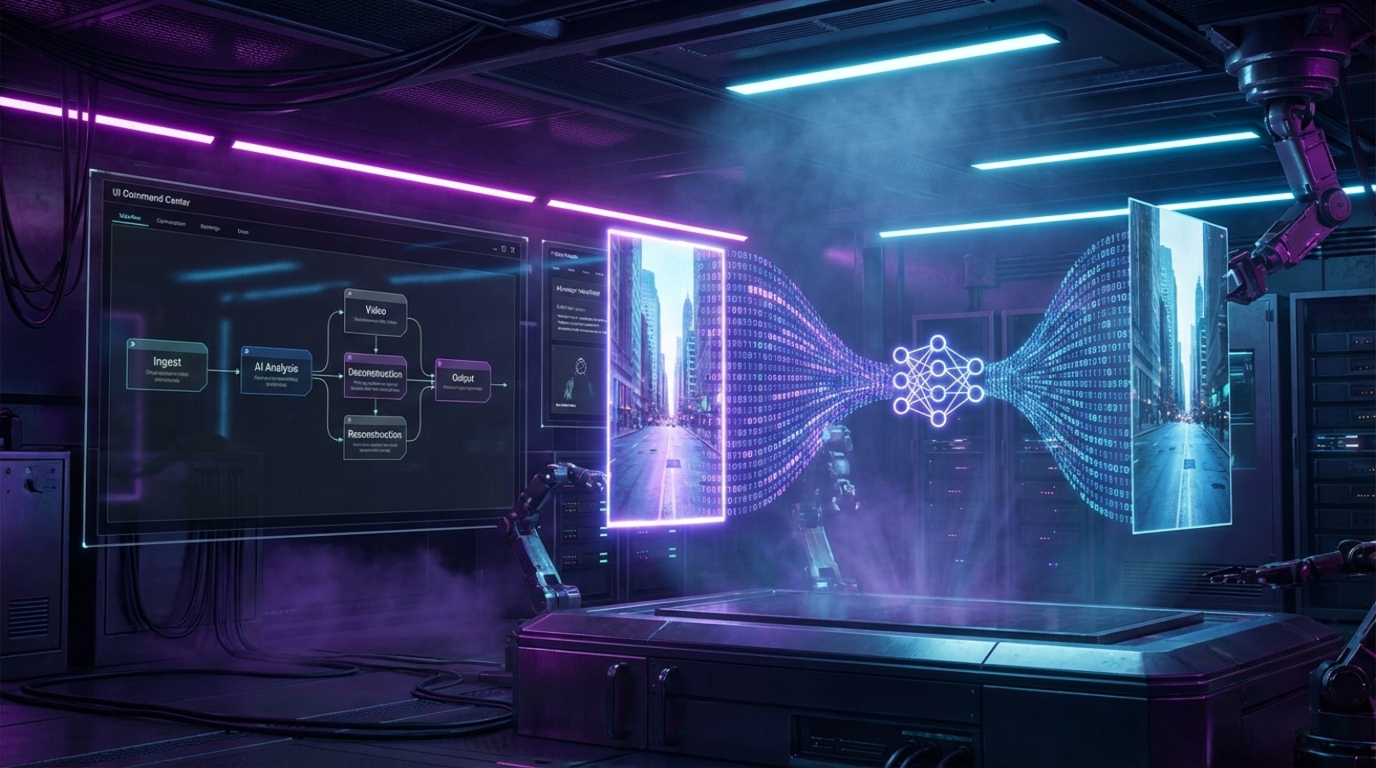
Stop trying to reinvent the wheel. The most efficient way to scale short-form content isn’t “originality” but replication. Agencies are currently charging five figures to run trend-jacking operations that you can build in a single afternoon.
We are deploying a sophisticated automation architecture using n8n. The objective: Take a URL from a viral TikTok, strip the watermark, use Gemini 3’s multimodal capabilities to reverse-engineer the prompt, and regenerate a compliant clone using Wan 2.5. Finally, we auto-deploy to every social grid simultaneously.
This is the exact infrastructure used to ride algorithmic waves without ever turning on a camera.
The Stack
- n8n: The orchestration layer.
- Gemini 3: The vision model (analysis).
- Wan 2.5 (via Kie AI): The video generation engine (less censorship than Sora).
- Blotato: The distribution node.
Step 1: The Input Vector (n8n Form)
We need a trigger. A simple webhook isn’t enough; we want a user interface to paste the target URL.
- Create a new n8n workflow.
- Add the n8n Form Trigger node.
- Configuration:
- Form Title: Viral Clone Request
- Form Fields: Add a Text Field labeled URL. Set it to Required.
- Execute Workflow: Open the test URL, paste a TikTok link (e.g., a viral dance or skit), and hit submit.
This passes the raw TikTok URL into the workflow’s memory.
Step 2: The Scrape (Bypassing the Gatekeepers)
TikTok aggressively blocks scrapers. To get the raw, watermark-free video, we have to spoof a real user browser.
- Add an HTTP Request node.
- Method: GET.
- URL: Map the URL from the Form Trigger.
- Headers (CRITICAL): You must manually add a User-Agent header to trick TikTok into thinking you are a standard browser. Use this string:
Mozilla/5.0 (Windows NT 10.0; Win64; x64) AppleWebKit/537.36 (KHTML, like Gecko) Chrome/91.0.4472.124 Safari/537.36 - The Extraction Code: You will receive a massive block of HTML. Add a Code Node to regex match the video_id and extracting the cookies.
Note: The extraction logic parses the HTML for the JSON blob containing the video download URL. This changes frequently, so ensure your regex targets the PlayAddr or video_url within the script tags.
Step 3: The Download
Once we have the cleaned URL from the scrape step:
- Add another HTTP Request node.
- URL: Map the cleaned video URL from the Code Node.
- Headers:
- Referer: https://www.tiktok.com/
- Cookie: Map the cookies extracted in the previous step.
- Response Format: Select File (Binary).
You now have the viral video sitting in your n8n RAM, stripped of watermarks.
Step 4: The Brain (Gemini 3 Analysis)
This is where Gemini 3 shines. Unlike older models, Gemini 3 has native video understanding. We don’t want a summary; we want a production prompt.
- Add the Google Gemini node.
- Model: gemini-1.5-pro-preview (or Gemini 3 if available in your version).
- Input: Binary (connect the video from Step 3).
- The Prompt: This needs to be surgical. Paste this exact prompt:
“Analyze this video moment by moment. Describe the video to an AI video generator so I can replicate this video exactly including the audio. Output ONLY a prompt for an AI video generator. Prompt can be no more than 800 characters.”
Gemini will watch the video and output a text prompt describing the lighting, camera angle, action, and subject (e.g., “Vertical smartphone footage of a Michael Jackson impersonator eating fried chicken…”).
Step 5: The Engine (Wan 2.5 Generation)
We are using Wan 2.5 because it has significantly fewer “safety” refusals than OpenAI’s Sora. If you try to clone a celebrity or a copyrighted character on Sora, it blocks you. Wan usually executes.
We will access Wan 2.5 via Kie AI (an API wrapper).
- Add an HTTP Request node.
- Method: POST.
- URL: https://api.kie.ai/v1/jobs/createTask
- Authentication: Header Auth (Authorization: Bearer YOUR_KIE_API_KEY).
- JSON Body:
{
  "model": "wan/2-5-text-to-video",
  "input": {
    "prompt": "{{ $json.output_from_gemini }}",
    "aspect_ratio": "9:16",
    "duration": "10",
    "resolution": "720p",
    "enable_prompt_expansion": false
  }
}
Note: We disable prompt expansion because Gemini 3 has already optimized the prompt.
Step 6: The Async Loop
Video generation is not instantaneous. We need a logic loop to wait for completion.
- Wait Node: Set to 3 minutes.
- HTTP Request (Check Status):
- Method: GET.
- URL: https://api.kie.ai/v1/jobs/recordInfo?taskId={{ $json.taskId }}
- If Node (Logic):
- Condition: state EQUALS success.
- True: Proceed to upload.
- False: Loop back to the Wait Node.
Step 7: The Distribution (Blotato)
Blotato is a purpose-built tool for social automation. It handles the API nightmares of TikTok, Instagram, and YouTube.
- Install Community Node: Go to Settings > Community Nodes > Install n8n-nodes-blotato.
- Upload Node:
- Action: Upload Media.
- Input: The video URL returned by Kie AI in the success step.
- This returns a Blotato-hosted public URL.
- Post Nodes:
- Add separate nodes for Instagram, TikTok, and YouTube Shorts.
- Action: Create Post.
- Media URL: Map the Blotato URL.
- Caption: Use a quick AI node to generate hashtags based on the original prompt, or hardcode generic viral tags like #fyp.
The Result
You paste a URL. Five minutes later, a legally distinct, AI-generated clone of that video appears on your Instagram Reels, TikTok, and Shorts. You have successfully detached your time from your content output.