The barrier to entry for coding has collapsed. But the barrier to taste has never been higher.
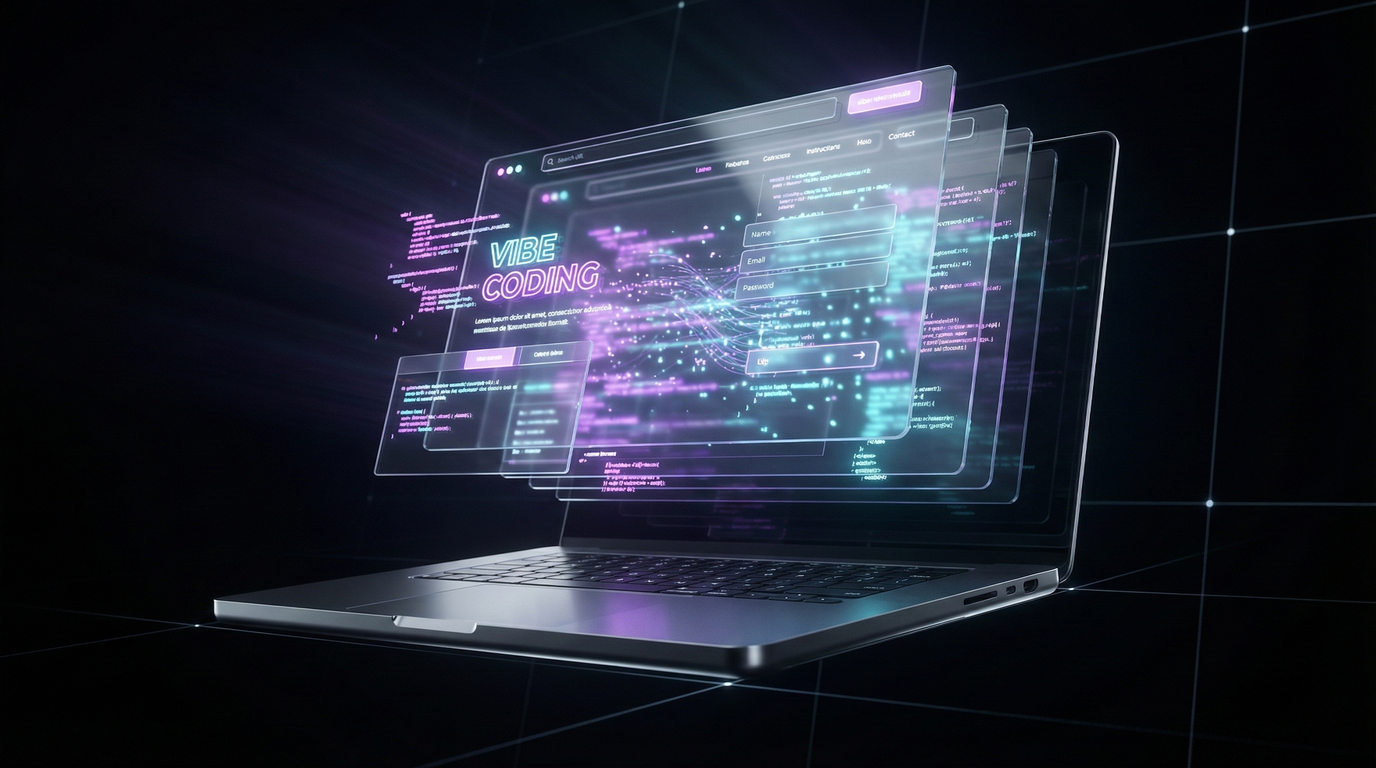
Over the past year, we’ve seen an explosion of “Vibe Coded” apps—software built entirely by prompting AI. The problem? Most of them look terrible. They function, but they lack the polish, animation, and “feel” that premium clients pay $5,000 to $10,000 for.
Enter Gemini 3.
When paired with the right design principles, Gemini 3 isn’t just a coder; it’s a high-end design agency. Here is how to use “Vibe Design” to generate professional, animated, high-converting websites in minutes, not weeks.
The “Vibe Design” Philosophy
Traditional web design required wireframes, Figma mockups, and weeks of CSS tweaking.
Vibe Design is different. It treats AI as a sous-chef. You don’t tell it how to chop the onions; you tell it what the final dish should taste like.
To get a $5,000 result, you need to stop prompting like a developer (“Write HTML code for a header”) and start prompting like a Creative Director.
Step 1: The “Reference” Strategy (Don’t Start From Zero)
AI hallucinates when given a blank canvas. To get elite results, you must anchor it.
- Find a Muse: Don’t describe a “good website.” Find one. Go to sites like Mobbin or Dribbble, or look at industry leaders like Linear or Apple.
- Screenshot It: Take a high-res screenshot of the section you love.
- Feed the Machine: Upload that image to Gemini 3 (or tools like Aura.build/Lovable). This gives the AI the exact spacing, color hierarchy, and “vibe” you are aiming for.
Step 2: The “Ingredients” Prompting Method
Most people fail because their prompts are vague. “Make it look modern” means nothing.
Ming, a design expert in the AI space, explains that you need to provide specific “ingredients”:
- Style: “Glassmorphism,” “Flat Design,” “Swiss Style.”
- Motion: “Laser beam button effects,” “Fade-in on scroll,” “Parallax hero.”
- Palette: “Muted blue dark mode,” “Neon purple accents.”
If you don’t ask for a “Glow Animation” on your button, you will get a boring white rectangle. You have to request the craft.
Step 3: The Generation Prompt (Copy This)
Here is the exact formula used to clone the aesthetic of a high-end SaaS site like Linear, tailored for an AI Agency.
The Prompt:
“Build a high-fidelity landing page for a SaaS business called ‘Outreach X’ (an AI SDR for agencies).
Design References:
- Style: In the style of Linear.app but with a deep Navy Blue/Cyberpunk tone.
- Mode: Dark Mode only.
- Typography: Space Mono for headers, Inter for body text.
Key Sections:
- Hero: Large typography, ‘laser beam’ glowing primary button, and a floating 3D dashboard visual.
- Social Proof: A scrolling ticker of tech company logos.
- Features: A Bento-Grid layout with glassmorphism cards.
Technical:
- Use Tailwind CSS for styling.
- Ensure all buttons have hover states (lift + glow).
- Add a progressive blur to the navigation bar.”
Step 4: The “Remix” Workflow
Once the first draft is generated, you stop prompting and start “Vibing.”
- Don’t like the font? Don’t rewrite the code. Just tell Gemini: “Change all headers to a lighter weight and make the blue 10% more saturated.”
- Need more “pop”? “Add a scroll-triggered fade-in animation to the feature cards.”
You are iterating on decisions, not syntax.
The Bottom Line
The value of a web designer is shifting. It is no longer about who can write the cleanest div tags. It is about Curation. Clients don’t care if you spent 40 hours coding or 20 minutes prompting. They care that the site looks like a million dollars. With Gemini 3, you can deliver that agency-level quality as a solo operator.