Most open-source AI projects die in the terminal. They are brilliant concepts—local model execution, retrieval-augmented generation, autonomous agents—but they remain trapped in a fragile command-line loop, unusable by anyone outside of the core developer’s machine.
Then there is OpenClaw.
A recent dive into the OpenClaw 1.20 release log (formerly known as Clawdbot) reveals a masterclass in how to transition a rough, terminal-bound AI experiment into a production-grade, multi-platform ecosystem. This single update window represents a fundamental architectural shift, moving the project from a localized chat interface to a robust, federated assistant framework.
Here is a breakdown of the architectural decisions that are making OpenClaw one of the most compelling open-source AI projects in the space.
1. The Memory and Context Overhaul
The first challenge of any AI agent is context window degradation. You cannot build a useful assistant if it forgets a command from twenty minutes ago.
OpenClaw addressed this by implementing a hybrid BM25 plus vector search system, complete with an embedding cache. By introducing Open AI batch indexing for memory, the developers solved the structural problem of memory retrieval. It no longer relies solely on the LLM’s immediate context window; it actively retrieves and injects relevant historical data into the prompt, making long-running sessions both possible and practical.
2. Typed Workflows and Execution Safety
As AI agents become more capable, the risk of them executing destructive commands increases. If an agent has access to your terminal, you need absolute control over what it can execute.
The 1.20 release introduced the “Lobster” workflow tool, moving the system away from purely prompt-driven execution and toward rigid, typed workflows. This was paired with a massive upgrade to execution safety. The system now features adaptive safeguards, automatic retries, and fallback behaviors for the compaction process. Crucially, executive approvals for elevated commands were strengthened, ensuring the agent cannot act autonomously on high-risk operations without explicit human intervention.
3. The Multi-Channel Expansion
An assistant is only useful if it can reach you where you are working.
OpenClaw expanded its deployment footprint significantly in this release. The developers integrated Telegram TTS (Text-to-Speech) into the core, allowing for voice interaction on the go. They added direct HTTP tool invocation, Fly.io deployment support, and even introduced a LINE plugin with edge TTS fallback.
The goal is clear: the AI should not be confined to a web app; it should be accessible across any messaging protocol the user prefers.
4. The OpenClaw Rebrand and Architectural Cleanup
This release marked the official transition from Clawdbot to OpenClaw. This wasn’t merely a cosmetic change. The npm package and CLI were entirely restructured. Legacy paths were auto-migrated, and browser control was folded neatly into the gateway and node flow. It was a necessary structural cleanup to support the expanding ambition of the project.
5. Local Model Dominance
The open-source AI community is aggressively pursuing local model execution to reduce API costs and improve data privacy.
OpenClaw doubled down on this by adding first-class onboarding for Ollama. Users can now set up local models, cloud models, or a hybrid “cloud-plus-local” mode. The system actively supports local model routing, meaning you can have a complex query sent to an expensive cloud model (like GPT-4), while simpler, repetitive tasks are handled locally by an Ollama model, drastically reducing API burn.
6. The Dashboard v2 Interface
The most visible change in the update is the entirely new Dashboard v2.
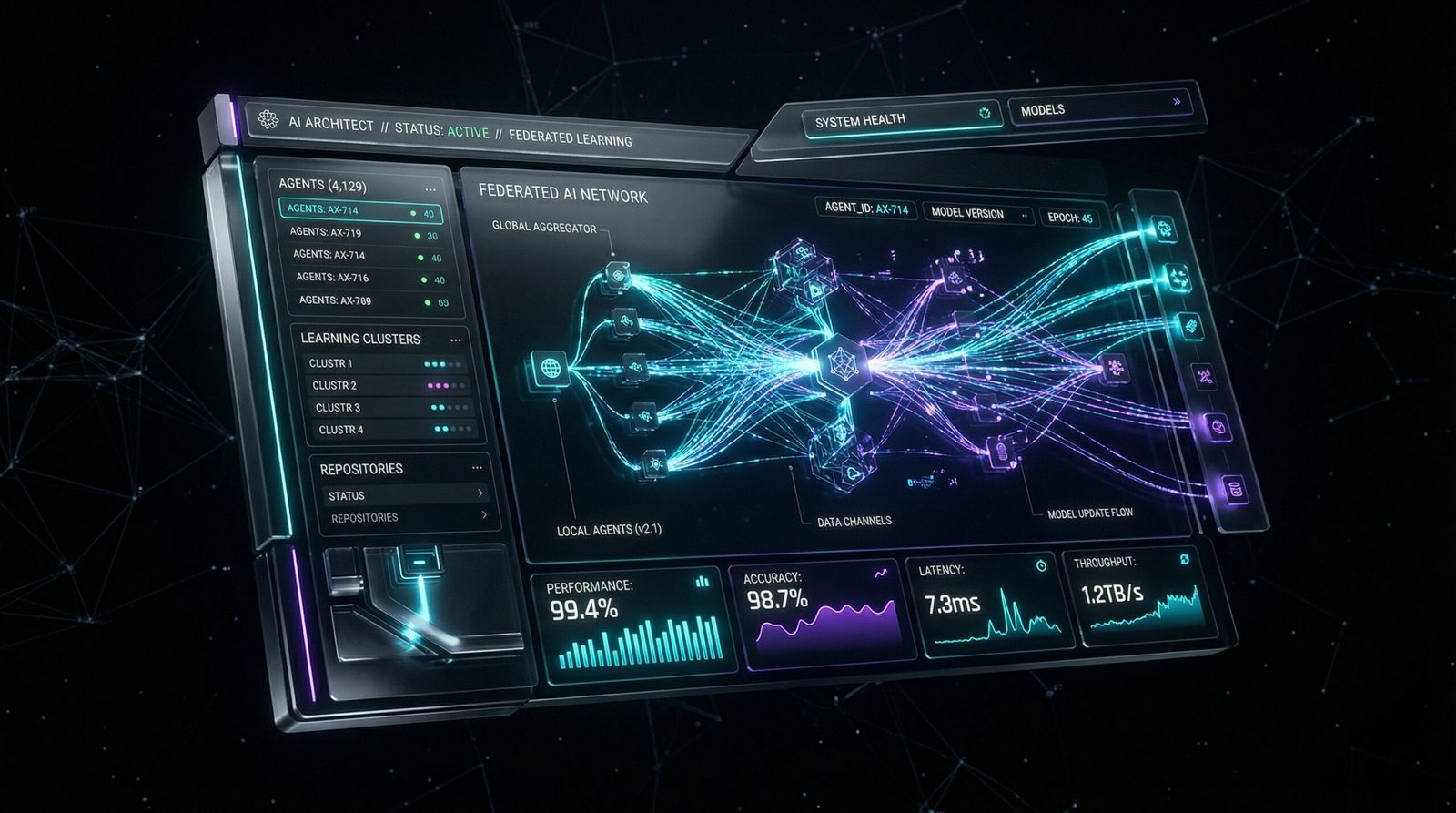
The UI was restructured into a modular format, separating chat, configuration, agents, and session views. It introduced a command palette for faster navigation, improved the color palettes for daily use, and brought mobile support out of the dark ages. The addition of a unified /fast mode for OpenAI and Anthropic flows further streamlined the user experience.
7. The “Real Product” Transformation
Perhaps the most telling shift is how the Android client evolved. It stopped being a “rough sidecar” and became a genuine application. The addition of a native onboarding flow, a five-tab interface (Connect, Chat, Voice, Screen, Settings), and provider-agnostic talk configuration means the mobile experience is now a first-class citizen in the OpenClaw ecosystem.
8. Secrets Management as Infrastructure
If you are giving an AI access to your deployment pipelines or databases, you must secure the API keys.
OpenClaw introduced a full secrets management workflow. This includes the ability to audit, configure, apply, and reload flows. It features “ref-only” auth profile support, meaning the agent can use a secret without ever actually seeing the plaintext key. This is the kind of enterprise-grade security feature that separates hobbyist tools from production software.
OpenClaw 1.20 is not just a feature update; it is a declaration of intent. It proves that open-source AI can break out of the terminal and deliver a cohesive, secure, and multi-platform user experience.